Remote IT support for companies in Mexico: what gets fixed without a visit, what does not, and what it costs

Most IT problems in a company get solved without anyone walking into the office. Not all of them. Here is the exact line between remote and on-site work, with market prices.
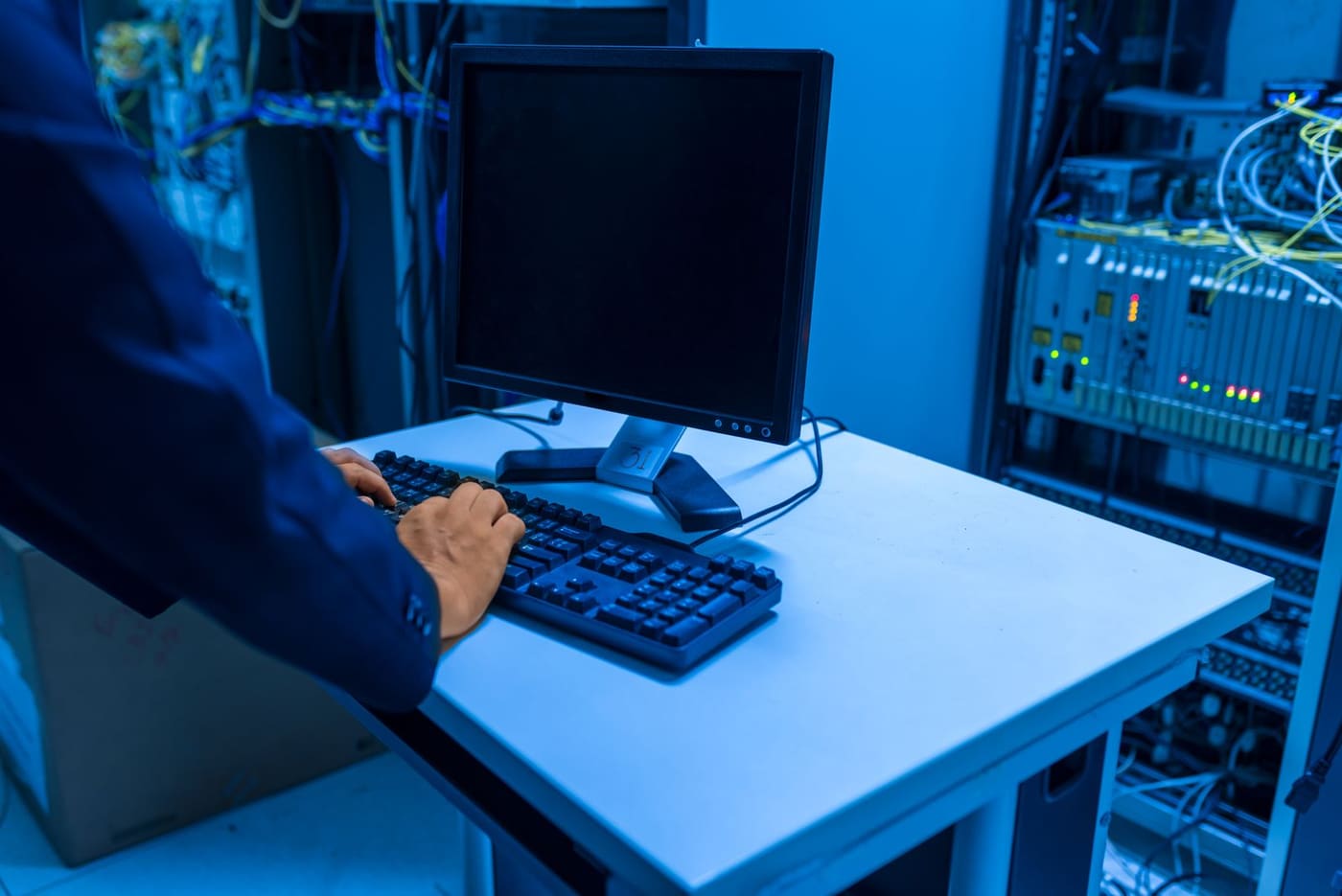
What gets solved remotely
- Slow computers, errors and updates. Cleanup, patches, drivers.
- Email, Microsoft 365 and Google Workspace. Onboarding, offboarding, mailboxes, permissions.
- Backups. Setting them up, verifying they run and testing a restore.
- Antivirus and security. Deployment, policies and alert review.
- Servers and networks. Monitoring, firewall, VPN, domain users.
What still needs someone on site
| Situation | Why it needs a visit |
|---|---|
| The device does not boot or has no network | There is no way in |
| Disk, memory or power supply replacement | The machine has to be opened |
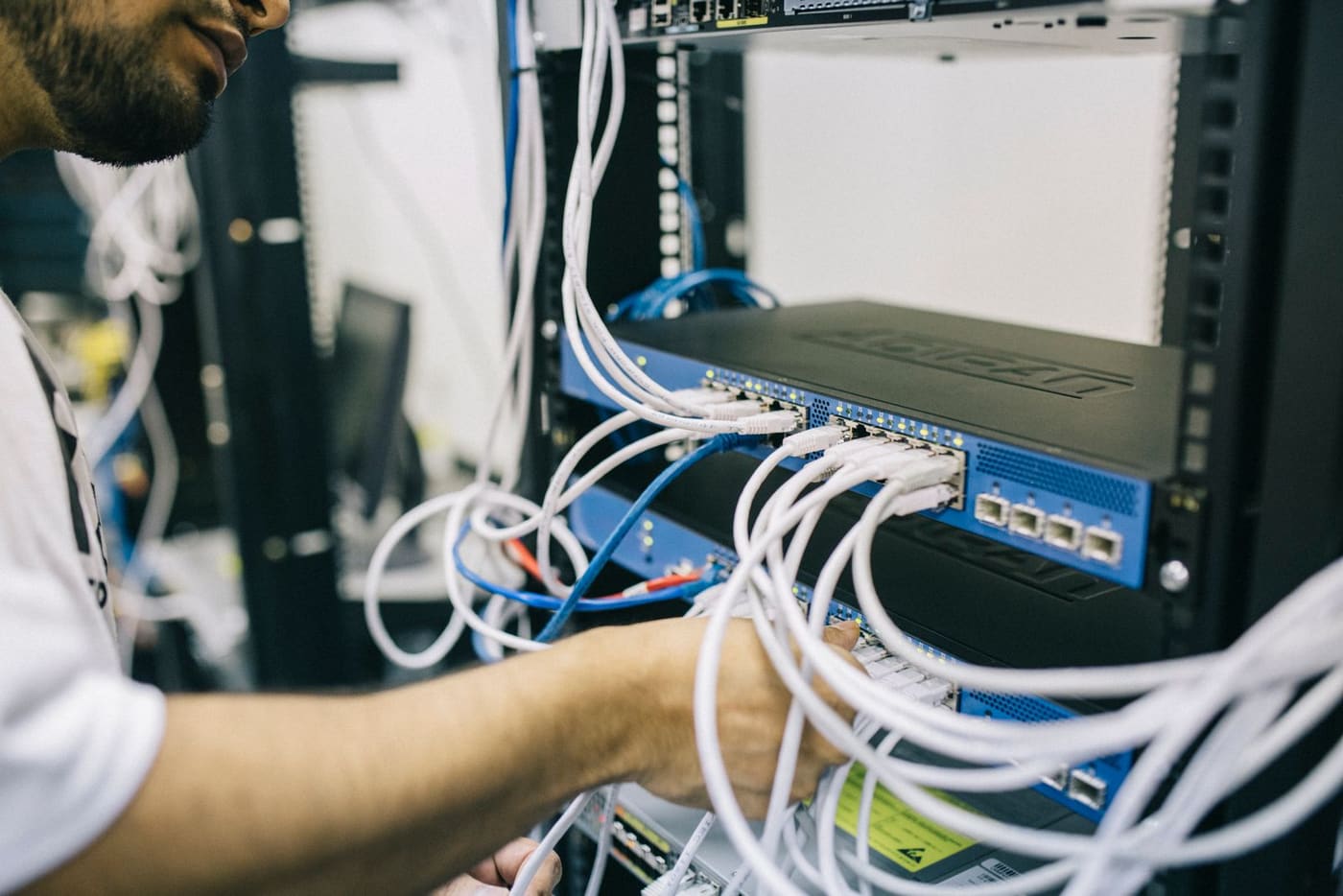
| Cabling, racks and network drops | Construction, not configuration |
| Cameras, switches and access points | Mounting and on-site testing |
| Preventive hardware maintenance | Internal cleaning and airflow |
| Branch openings and device refreshes | Unbox, connect, migrate |
If you have stores, plants or warehouses in Mexico, those visits will happen. The question is how many per year and who covers them: that is what IT field services in Mexico are for.
The three models on the market
| Model | Who it fits | How it is billed |
|---|---|---|
| Remote only | Offices with no on-premise server, staff across cities or countries | Monthly per device or user |
| Hybrid | Most SMBs with an office, a server or their own network | Fixed monthly fee with visits included |
| Per incident | Very small companies or those with an internal IT person | Per hour or per visit |
What it costs in Mexico in 2026
- Per device: $350 to $800 MXN per month per computer or user (about $18 to $42 USD).
- Per scope: a fixed fee for servers, network and backups. For 15 to 50 devices, $6,000 to $15,000 MXN per month ($320 to $800 USD).
- Per hour: $600 to $1,200 MXN per remote hour ($32 to $64 USD), with 30 or 60 minute minimums.
What a good remote service must include
- Written response times, by priority.
- Remote access with logging: who connected, when and what they did.
- Proactive monitoring: a warning before the disk fills up or the backup fails.
- A ticket channel with ticket numbers: WhatsApp, email or portal.
- A monthly report of tickets, response times and open items.
Remote also means no borders
A team in Mexico serves offices in Monterrey, Madrid or Bogotá with the same process, in Spanish or English. It works well for:
- Distributed staff across cities or working from home.
- Companies in Spain and Latin America that want a provider in their language, a compatible time zone and pricing in pesos or dollars.
- Foreign companies operating in Mexico that only need local hands. Read how to get IT smart hands in Mexico.
Which model fits your company?
It depends on how many devices you have, whether you run your own server and how often something physically breaks each year.
At ProcessBi every plan starts with a free assessment: we tell you what can be remote, what needs visits and what each model would cost, with a written SLA and invoicing in MXN or USD.
Book your free assessment — we reply the same business day.
Your path
Running IT in Mexico from abroad
2 of 32- Smart hands ✓ Read You are here 2 min
- Remote support ✓ Read You are here 3 min
- Nearshoring checklist ✓ Read You are here 2 min
- Retail rollouts ✓ Read You are here 2 min
- Fake IT support ✓ Read You are here 3 min
- Backups that restore ✓ Read You are here 3 min
- Secure M365 ✓ Read You are here 3 min
- Windows 10 deadline ✓ Read You are here 4 min
- Audit app access ✓ Read You are here 3 min
- CEO fraud ✓ Read You are here 4 min
- Office 2016 cutoff ✓ Read You are here 3 min
- Patch today ✓ Read You are here 4 min
- Patch VMware ✓ Read You are here 4 min
- Office 2021 EOL ✓ Read You are here 3 min
- Starlink for sites ✓ Read You are here 3 min
- Cardless access ✓ Read You are here 4 min
- Control AI on PCs ✓ Read You are here 4 min
- ScreenConnect flaw ✓ Read You are here 4 min
- Server 2022 EOL ✓ Read You are here 3 min
- Exposed cameras ✓ Read You are here 3 min
- Domain trust fix ✓ Read You are here 4 min
- Patch Cisco ISE ✓ Read You are here 3 min
- Protect the plant ✓ Read You are here 3 min
- Move to 25H2 ✓ Read You are here 4 min
- Outages and UPS ✓ Read You are here 3 min
- IT maintenance ✓ Read You are here 4 min
- Third-party scripts ✓ Read You are here 3 min
- License audit ✓ Read You are here 4 min
- Bajío fiber corridor ✓ Read You are here 3 min
- Check Point flaw ✓ Read You are here 4 min
- Cashless payments ✓ Read You are here 3 min
- AI that hacks alone ✓ Read You are here 3 min
- Field services →