How to get IT smart hands in Mexico when your team is abroad

Your company is in Miami, Madrid or Toronto. Your stores, branches or clients are in Mexico. Today a device failed in Monterrey, a rack needs installing in Guadalajara, or a 40-branch rollout just got the green light.
Who physically shows up? These are the real options, what each costs and what each risks.
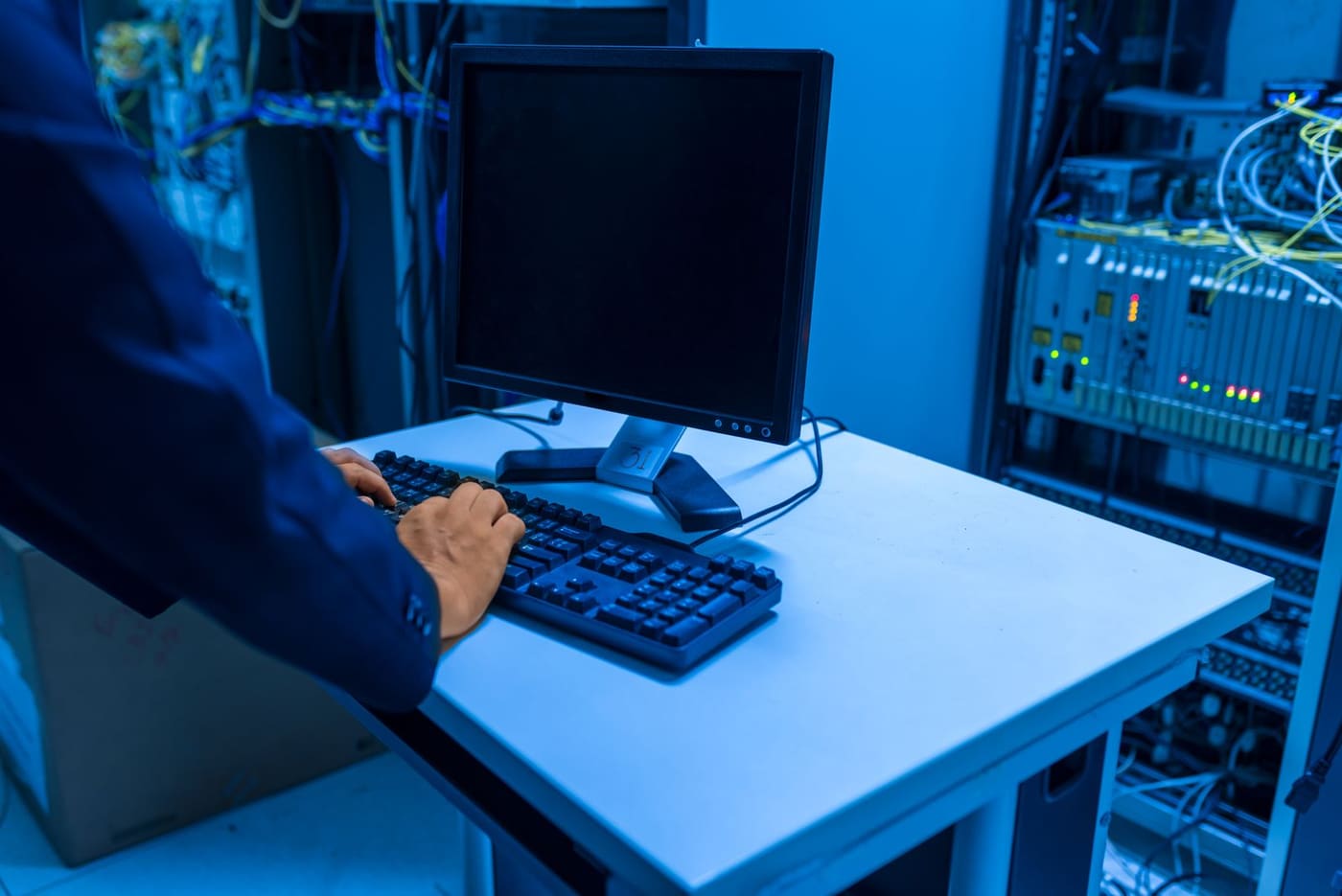
The four options (and what nobody tells you about each)
| Option | Typical cost | The catch |
|---|---|---|
| Fly in your own technician | $1,500–$3,000 USD per trip | Every incident is a trip, and working legally in Mexico needs a visa with paid-activity permission |
| Freelancer via marketplace | $50–$150 USD per visit | No SLA, no insurance, optional evidence, and a different vendor in every city |
| Hire your own staff in Mexico | From $1,200 USD/month per technician, plus payroll and a legal entity | Only pays off with daily volume in one city |
| Local field services partner | Per visit, per project or monthly plan | None, if you choose well. The risk is signing without a written SLA or an evidence standard |
The fourth option is the standard: a partner receives the ticket, dispatches the technician and returns evidence. The industry calls it smart hands or field services.
What “smart hands” actually means
You keep technical control of the project. The partner provides the physical presence, the logistics and the legal responsibility of working in Mexico.
It works for one-off jobs (a switch, a drive, a downed POS) and for large ones (multi-branch rollouts of networking, CCTV or digital signage across the country).
The 6 filters for choosing a field partner in Mexico
- A written SLA: response times committed per region.
- National coverage with a single point of contact: managing 15 local vendors is a second job.
- Mandatory evidence: photo report and technical log per visit.
- Communication in your language: tickets and reports in English or Spanish, in your time zone.
- White label and NDA: able to act as your local team when the end client should not see a third party.
- Flexible billing: per event, per project or monthly, in USD or MXN.
Per visit, per project or a monthly plan?
- Per visit (dispatch): occasional incidents. You pay only when something happens, with no guaranteed priority.
- Per project: rollouts and installations with a start and an end. Scope and schedule closed before work begins. Here is the retail rollout playbook for Mexico.
- Monthly plan: permanent sites in Mexico. A bank of visits, priority SLA and scheduled preventive maintenance, the same structure as an IT support plan with a field arm attached.
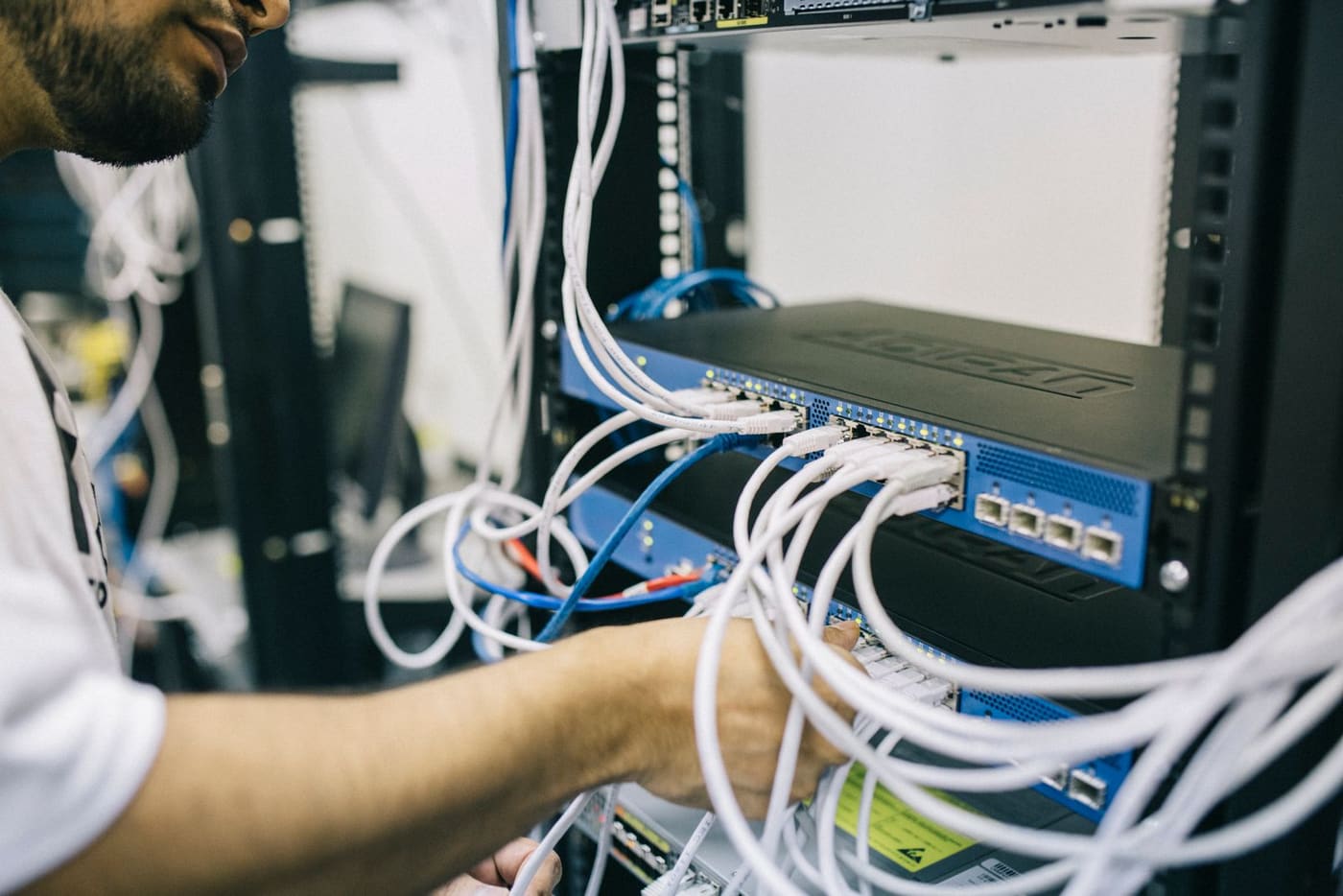
Your local technical arm, solved
At ProcessBi we are that partner for brands and integrators inside and outside Mexico: smart hands, multi-branch rollouts, on-site maintenance and break-fix. Always with a written SLA and photo evidence of every visit.
Your team directs from wherever it is. We execute here.
Tell us where your sites are — we reply the same business day, in English or Spanish.
Your path
Running IT in Mexico from abroad
1 of 32- Smart hands ✓ Read You are here 2 min
- Remote support ✓ Read You are here 3 min
- Nearshoring checklist ✓ Read You are here 2 min
- Retail rollouts ✓ Read You are here 2 min
- Fake IT support ✓ Read You are here 3 min
- Backups that restore ✓ Read You are here 3 min
- Secure M365 ✓ Read You are here 3 min
- Windows 10 deadline ✓ Read You are here 4 min
- Audit app access ✓ Read You are here 3 min
- CEO fraud ✓ Read You are here 4 min
- Office 2016 cutoff ✓ Read You are here 3 min
- Patch today ✓ Read You are here 4 min
- Patch VMware ✓ Read You are here 4 min
- Office 2021 EOL ✓ Read You are here 3 min
- Starlink for sites ✓ Read You are here 3 min
- Cardless access ✓ Read You are here 4 min
- Control AI on PCs ✓ Read You are here 4 min
- ScreenConnect flaw ✓ Read You are here 4 min
- Server 2022 EOL ✓ Read You are here 3 min
- Exposed cameras ✓ Read You are here 3 min
- Domain trust fix ✓ Read You are here 4 min
- Patch Cisco ISE ✓ Read You are here 3 min
- Protect the plant ✓ Read You are here 3 min
- Move to 25H2 ✓ Read You are here 4 min
- Outages and UPS ✓ Read You are here 3 min
- IT maintenance ✓ Read You are here 4 min
- Third-party scripts ✓ Read You are here 3 min
- License audit ✓ Read You are here 4 min
- Bajío fiber corridor ✓ Read You are here 3 min
- Check Point flaw ✓ Read You are here 4 min
- Cashless payments ✓ Read You are here 3 min
- AI that hacks alone ✓ Read You are here 3 min
- Field services →