Windows 10 a year after end of support: what to do in your Mexico operation before ESU year one ends in October 2026

On September 9, the Spanish outlet LNE published a guide on how to keep a Windows 10 laptop alive: unofficial patches, installing Linux, a few other cheap fixes. Fine for a personal laptop. For the accounting PC at your plant in Querétaro, it is risk dressed up as savings.
Windows 10 support ended on October 14, 2025. Since then, the only official way to keep getting security patches is ESU (Extended Security Updates, a per-device fee Microsoft charges by the year). Year one expires in October 2026 and the price goes up with every renewal. If your Mexico site still runs Windows 10, you have about a month to decide calmly instead of in a rush.
Why a hobbyist trick does not belong in your plant
An unpatched PC does not fail alone. It sits on the same network as the file server, the shared folders and the VPN back to headquarters. In our experience, ransomware rarely comes in through the newest laptop. It comes in through the one nobody remembered: the PC at the warehouse scale that “only prints labels”.
There is a second problem when you manage Mexico from abroad. The devices enrolled in your management console are the ones you see. The ones a local manager bought with a corporate card at a store in Guadalajara usually are not, and those tend to be the Windows 10 ones. If the worst happens, you will want backups that actually restore.
Start with an inventory you can trust from abroad
Almost nobody at headquarters knows the real number. In a twenty-device office there are usually three or four surprises: the sales rep’s laptop that never comes in, the PC hooked to the scale, the one in the machine room.
For each device, record five things: model and year, processor, memory, whether it has TPM 2.0 and which programs that person uses. TPM is a security chip inside the machine. Windows 11 requires it, and it is what separates the devices you can upgrade from the ones you cannot.
What to do with each device
Not every machine goes down the same road. This is the table we use with clients:
| The device | What to do | When |
|---|---|---|
| Has TPM 2.0 and is under five years old | Upgrade to Windows 11 | Now, in batches |
| Has TPM 2.0 but is short on memory or disk | Upgrade the parts, then the OS | Now |
| No TPM and runs legacy software you cannot replace | One more year of ESU and isolate it on the network | Before October |
| No TPM and already worn out | Replace | Budget it by quarter |
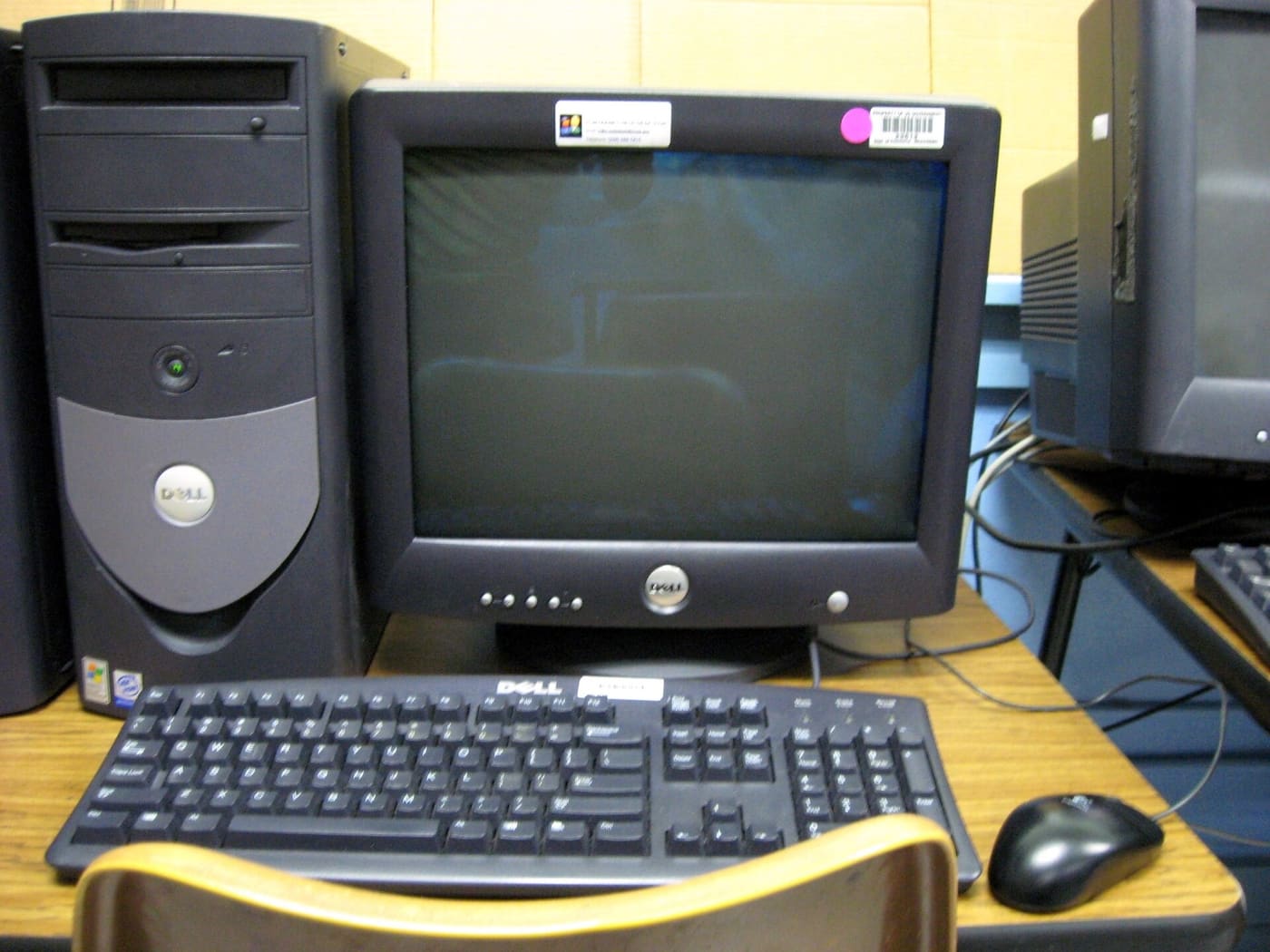

ESU is a bridge, not a destination. It exists for that shop-floor machine running the lathe software nobody dares to touch. You pay one year, separate it from the rest of the network and use that year to find a replacement. Paying it for the whole office, year after year at a rising price, ends up costing more than a refresh.
Staging the migration without stopping the site
What works is boring, which is why it works:
- Start with a pilot of three patient users. That is where the printer with no driver and the invoicing system that needs a tweak show up.
- Back up before every batch and confirm the backup opens.
- Migrate by department: all of accounting one Friday, sales the next. Never half a team.
- Do it in Mexican working hours with someone on site who speaks Spanish to the users. That is what IT smart hands in Mexico are for.
- Fold it into the preventive maintenance visit: clean, add memory and upgrade in the same trip.
What ProcessBi does
Inventory and diagnosis come included in our IT support plans. You get the list in green, yellow and red, in English, and we build the plan from there. We run the migration in batches, on site, in any city in Mexico, with licensing and new hardware if needed, invoiced in MXN or USD.
What about your Mexico site?
If you do not know how many Windows 10 devices you have there, that is step one and it costs nothing. If you do know and the number scares you, it gets solved in batches.
Ask for your free inventory — we reply the same business day.
Your path
Running IT in Mexico from abroad
8 of 32- Smart hands ✓ Read You are here 2 min
- Remote support ✓ Read You are here 3 min
- Nearshoring checklist ✓ Read You are here 2 min
- Retail rollouts ✓ Read You are here 2 min
- Fake IT support ✓ Read You are here 3 min
- Backups that restore ✓ Read You are here 3 min
- Secure M365 ✓ Read You are here 3 min
- Windows 10 deadline ✓ Read You are here 4 min
- Audit app access ✓ Read You are here 3 min
- CEO fraud ✓ Read You are here 4 min
- Office 2016 cutoff ✓ Read You are here 3 min
- Patch today ✓ Read You are here 4 min
- Patch VMware ✓ Read You are here 4 min
- Office 2021 EOL ✓ Read You are here 3 min
- Starlink for sites ✓ Read You are here 3 min
- Cardless access ✓ Read You are here 4 min
- Control AI on PCs ✓ Read You are here 4 min
- ScreenConnect flaw ✓ Read You are here 4 min
- Server 2022 EOL ✓ Read You are here 3 min
- Exposed cameras ✓ Read You are here 3 min
- Domain trust fix ✓ Read You are here 4 min
- Patch Cisco ISE ✓ Read You are here 3 min
- Protect the plant ✓ Read You are here 3 min
- Move to 25H2 ✓ Read You are here 4 min
- Outages and UPS ✓ Read You are here 3 min
- IT maintenance ✓ Read You are here 4 min
- Third-party scripts ✓ Read You are here 3 min
- License audit ✓ Read You are here 4 min
- Bajío fiber corridor ✓ Read You are here 3 min
- Check Point flaw ✓ Read You are here 4 min
- Cashless payments ✓ Read You are here 3 min
- AI that hacks alone ✓ Read You are here 3 min
- Field services →