Starlink for your Mexico operation: when it works as the primary or backup link for plants, warehouses and stores

Starlink is back in the Mexican news this week. SpaceX, the company behind it, started trading on the Mexican Stock Exchange on September 14, as dplnews reported, and a day later Radios Libres opened a debate on bringing it into public schools.
If you run a plant or a warehouse in Mexico from abroad, the question is more practical: will it hold our site? Here is what we have learned installing it in industrial parks and towns where fiber stops one street short.
What Starlink is and the latency you actually get
Starlink is satellite internet, but low orbit: the satellites fly a few hundred kilometers up instead of tens of thousands. That is why latency, the time a packet takes to go and return, is far lower than with the satellite links your team may remember.
In our experience it feels like good 4G: Teams calls work and the cloud ERP responds. If you want a number, think tens of milliseconds under clear sky (market reference, verify).
What you will notice: micro-outages of a few seconds when the dish switches satellites, and dips in heavy rain. Browsing hides them; a call sometimes does not.
Business or residential plan
The temptation is to buy the residential kit because it costs less. For a house, fine. For a plant with thirty people online, no.
| Residential | Business | |
|---|---|---|
| Traffic priority | Low: at peak hours you compete with everyone | High: your traffic goes first |
| Data | One block, then reduced speed | Larger blocks and the option to buy more |
| Public IP | No | Optional, and you will need it |
Prices change often; check the Starlink site for Mexico the day you decide. What does not change: at peak hours the residential plan goes to the back of the line, and peak time in an industrial zone is your production shift.
Primary or backup?


| Your site | What we would do |
|---|---|
| Plant or warehouse with no fiber or microwave | Starlink primary on a business plan, plus 4G backup |
| Store with fiber that drops every other week | Fiber primary, Starlink backup |
| Warehouse with cameras and few staff | Starlink primary, recording locally on the NVR |
Simple rule: if there is decent fiber or microwave, Starlink is the backup. If there is nothing, Starlink is primary and you worry about a second path.
Failover with a dual-WAN router
A dual-WAN router has two internet ports. Fiber goes in one, Starlink in the other, and the router detects when the primary dies and switches on its own. The accountant at the site never notices.
Three things that do change and need planning:
- VPN to headquarters. By default Starlink gives no public IP: the site sits behind a shared network, known as CGNAT, and a classic site-to-site VPN will not come up. Fix it with the public IP option of the business plan or a VPN that dials out from inside to a cloud gateway.
- VoIP. Calls work, but jitter, the variation in latency, is audible. Give voice priority in the router.
- CCTV. Hikvision cameras record on the local NVR, so footage is never lost; only remote viewing depends on the link. With Hik-Connect you do not even need a public IP.
Test the cut on purpose: some Tuesday at ten, pull the fiber and watch what happens. Better to learn that the phone system takes five minutes to recover on a quiet day than at month-end close.
Mounting the dish safely
The dish wants open sky. A tree or the neighbor’s water tank blocks satellites, and that turns into outages. Put it on the roof on an anchored mast; do not leave it in the yard for now.
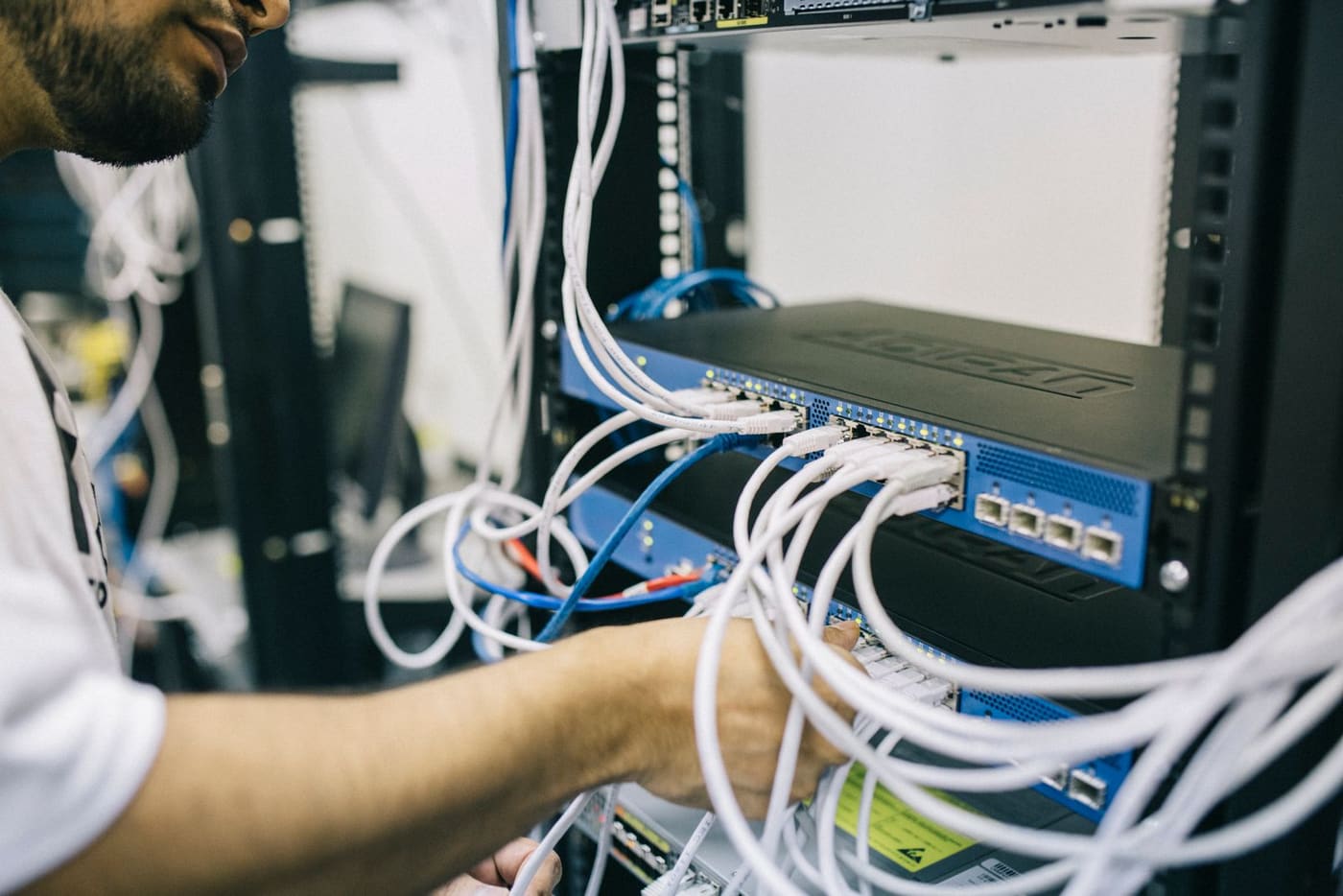
The cable does not go through a window. It runs in conduit to the rack, with grounding and surge protection, because in the rainy season storms come in that way. Dish and router go on a UPS: no power, no backup.
And at your site?
It depends on where the site is, what runs over the network and what an hour offline costs you. If you are opening a new operation, check the IT checklist for nearshoring in Mexico too.
At ProcessBi we install redundant links, cabling and Wi-Fi anywhere in Mexico, and keep them inside a support plan so someone watches that the backup is still alive, in English or Spanish.
Book your free assessment — we reply the same business day.
Your path
Running IT in Mexico from abroad
15 of 32- Smart hands ✓ Read You are here 2 min
- Remote support ✓ Read You are here 3 min
- Nearshoring checklist ✓ Read You are here 2 min
- Retail rollouts ✓ Read You are here 2 min
- Fake IT support ✓ Read You are here 3 min
- Backups that restore ✓ Read You are here 3 min
- Secure M365 ✓ Read You are here 3 min
- Windows 10 deadline ✓ Read You are here 4 min
- Audit app access ✓ Read You are here 3 min
- CEO fraud ✓ Read You are here 4 min
- Office 2016 cutoff ✓ Read You are here 3 min
- Patch today ✓ Read You are here 4 min
- Patch VMware ✓ Read You are here 4 min
- Office 2021 EOL ✓ Read You are here 3 min
- Starlink for sites ✓ Read You are here 3 min
- Cardless access ✓ Read You are here 4 min
- Control AI on PCs ✓ Read You are here 4 min
- ScreenConnect flaw ✓ Read You are here 4 min
- Server 2022 EOL ✓ Read You are here 3 min
- Exposed cameras ✓ Read You are here 3 min
- Domain trust fix ✓ Read You are here 4 min
- Patch Cisco ISE ✓ Read You are here 3 min
- Protect the plant ✓ Read You are here 3 min
- Move to 25H2 ✓ Read You are here 4 min
- Outages and UPS ✓ Read You are here 3 min
- IT maintenance ✓ Read You are here 4 min
- Third-party scripts ✓ Read You are here 3 min
- License audit ✓ Read You are here 4 min
- Bajío fiber corridor ✓ Read You are here 3 min
- Check Point flaw ✓ Read You are here 4 min
- Cashless payments ✓ Read You are here 3 min
- AI that hacks alone ✓ Read You are here 3 min
- Field services →