Zero-days in Zyxel GS1900 switches (the patch does not stop them) and D-Link DGS-3130: what to check today on the network of your Mexico operation

On November 4, Zyxel shipped a patch for a zero-day that had already been used to hack nearly 1,000 switches. One day later, The Hacker News reported that on the GS1900 the patch does not block root command execution. And today, November 6, D-Link warned of multiple zero-days in its DGS-3130 series.
Both brands are everywhere in Mexican plants, warehouses and offices. If your headquarters is abroad, there is a fair chance nobody on your team knows exactly what sits in the Mexico rack. That is the first thing to fix.
What happened, in short
A zero-day is a flaw attackers use before a working fix exists. A managed switch is the box that feeds the network to PCs, cameras and phones, and it has its own web admin page.
According to BleepingComputer, Zyxel fixed the flaw after nearly 1,000 devices were compromised. On the GS1900, though, root (full control of the device) is still reachable. D-Link’s DGS-3130 advisory covers several flaws at once.
In our experience, the switch is the least watched device at a Mexico site. It was installed by a local contractor years ago and nobody has logged in since.
Find out which switches your Mexico sites run
- Check the label on the front or bottom: GS1900 or DGS-3130 followed by numbers.
- Log in to the admin page. Model and firmware version (the device’s internal software) show on the home screen.
- Ask the local contractor or your IT provider for their inventory.
- No one technical on site? Have someone photograph the rack, or send local smart hands.
What to do today
- Remove web admin access from the internet. Close any port forwarded “for remote access”.
- Move admin access off the user VLAN. A VLAN is a separate network on the same cabling. Admin access belongs on its own, reachable only by IT, so an infected front desk PC cannot even see the switch.
- Change credentials and delete any user nobody recognizes.
- Install vendor firmware, knowing that on the GS1900 it is not enough yet.
Signs someone is already in
- New admin accounts.
- Port mirroring turned on, meaning traffic is being copied to another port.
- VLAN, DNS or time server changes nobody requested.
- Unexplained reboots or a sudden slowdown.
Compare against a saved config if you have one; if not, save one today. Segmenting cameras and guest Wi-Fi also limits the damage, as we explain in this guide to VLANs.
Isolate or replace?
| Situation | Best move |
|---|---|
| Admin exposed to the internet, unknown for how long | Isolate today, factory reset and rebuild the config |
| Patched GS1900 still reachable from the user network | Move to an admin VLAN now and watch for the next firmware |
| Config changes nobody recognizes | Treat it as compromised: isolate and replace |
| DGS-3130 with no update available yet | Restrict admin access and check the D-Link bulletin daily |
| Old switch with no more firmware | Plan the replacement, even if it works today |
Our take: if a core switch at your plant cannot be trusted, swapping it costs less than a production stop. We saw the same pattern with the MikroTik router flaw.
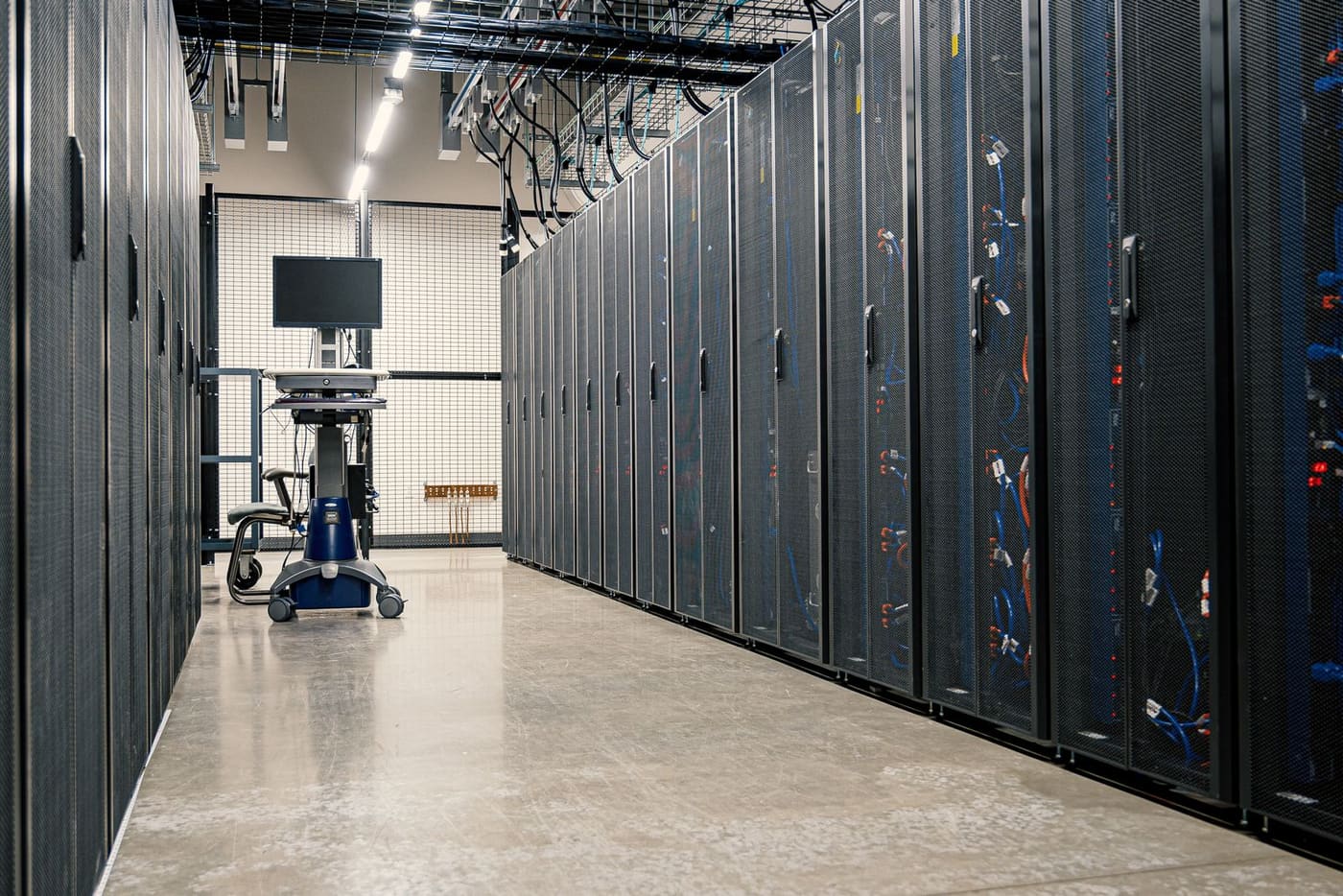
What about your Mexico operation?
If nobody can say which switches run at your Mexico sites or who holds the passwords, start there. At ProcessBi we inventory the network, set up an admin VLAN and swap switches on site anywhere in Mexico, reporting to your team in English.
Request a network review — we reply the same business day.
Your path
Running IT in Mexico from abroad
69 of 89- AI picks victims ✓ Read You are here 4 min
- Patch Linux today ✓ Read You are here 4 min
- Zyxel/D-Link switches ✓ Read You are here 3 min
- Patch today ✓ Read You are here 3 min
- Vendor access ✓ Read You are here 3 min
- 23H2 Enterprise ends ✓ Read You are here 3 min
- November patches ✓ Read You are here 3 min
- Field services →