SonicWall SSL-VPN MFA bypass exploited, OpenSSH 'SSHole' attacked within hours and QNAP Plex2Shell: what to patch today in your Mexico operation
Three flaws went public this week and all three are already under attack. They hit gear we find at almost every Mexico site we visit: the SonicWall firewall at the edge, the Linux server nobody updates and the QNAP NAS holding the shared drive.
On November 7, 2026, SonicWall warned of an SSL-VPN flaw that skips MFA. A day earlier, attackers exploited the OpenSSH ‘SSHole’ flaw within hours of disclosure, and QNAP confirmed NAS breaches through ‘Plex2Shell’. If headquarters manages the firewall but nobody abroad knows what sits in the Mexico rack, this one is for you.
SonicWall SSL-VPN: MFA no longer protects you
According to BleepingComputer, the new flaw lets attackers into the SSL-VPN without passing multi-factor authentication. It is already used in attacks.
This is not the SMA1000 case we covered in an earlier post. Different product, different flaw.
You are exposed if the Mexico site runs a SonicWall firewall and local staff connect with NetExtender or Mobile Connect.
- Apply the firmware listed in SonicWall’s advisory for your model.
- Meanwhile, restrict SSL-VPN to known IPs or switch it off for a few hours.
- Review session logs: late-night logins, unexpected countries, accounts of people who already left.
OpenSSH ‘SSHole’: exploited within hours
OpenSSH is what almost every Linux server uses for remote administration. The Hacker News reports attackers exploited SSHole within hours and gained root, meaning full control, on a honeypot (a decoy server set up by researchers).
It lives on Linux servers, hosting VPSs, NAS units, firewalls and IoT gateways. Anything someone reaches over SSH runs it.
- Run
ssh -Vto see the version, then update through your distribution as soon as the patched package lands. - Until then, keep port 22 closed to the open internet: VPN or fixed IPs only.
- Check each user’s authorized_keys file, root first. Remove keys nobody can explain.
QNAP and Plex2Shell: the shared drive NAS
BleepingComputer reports QNAP confirmed NAS intrusions. The attack is tied to Plex, the media app someone installed once and everyone forgot.
- Isolate the NAS: remove internet access (myQNAPcloud, forwarded ports on the router).
- If nobody uses Plex, stop and uninstall it.
- Update the OS and apps to what QNAP’s advisory lists.
- Confirm your backups live outside the NAS.
Today’s checklist
| Device | How to tell you have it | While you patch |
|---|---|---|
| SonicWall SSL-VPN | SonicWall firewall, users on NetExtender | Restrict to known IPs or disable SSL-VPN |
| OpenSSH | Linux servers, VPS, NAS with SSH | Close port 22 to the internet |
| QNAP NAS | Plex installed or myQNAPcloud access | Disconnect from the internet, stop Plex |
Checking whether someone already got in
Patching closes the door. It does not remove whoever walked through. After patching, look for new admin accounts, scheduled tasks nobody created and extra SSH keys. If something looks wrong, reset passwords from a clean machine and call someone before wiping evidence.
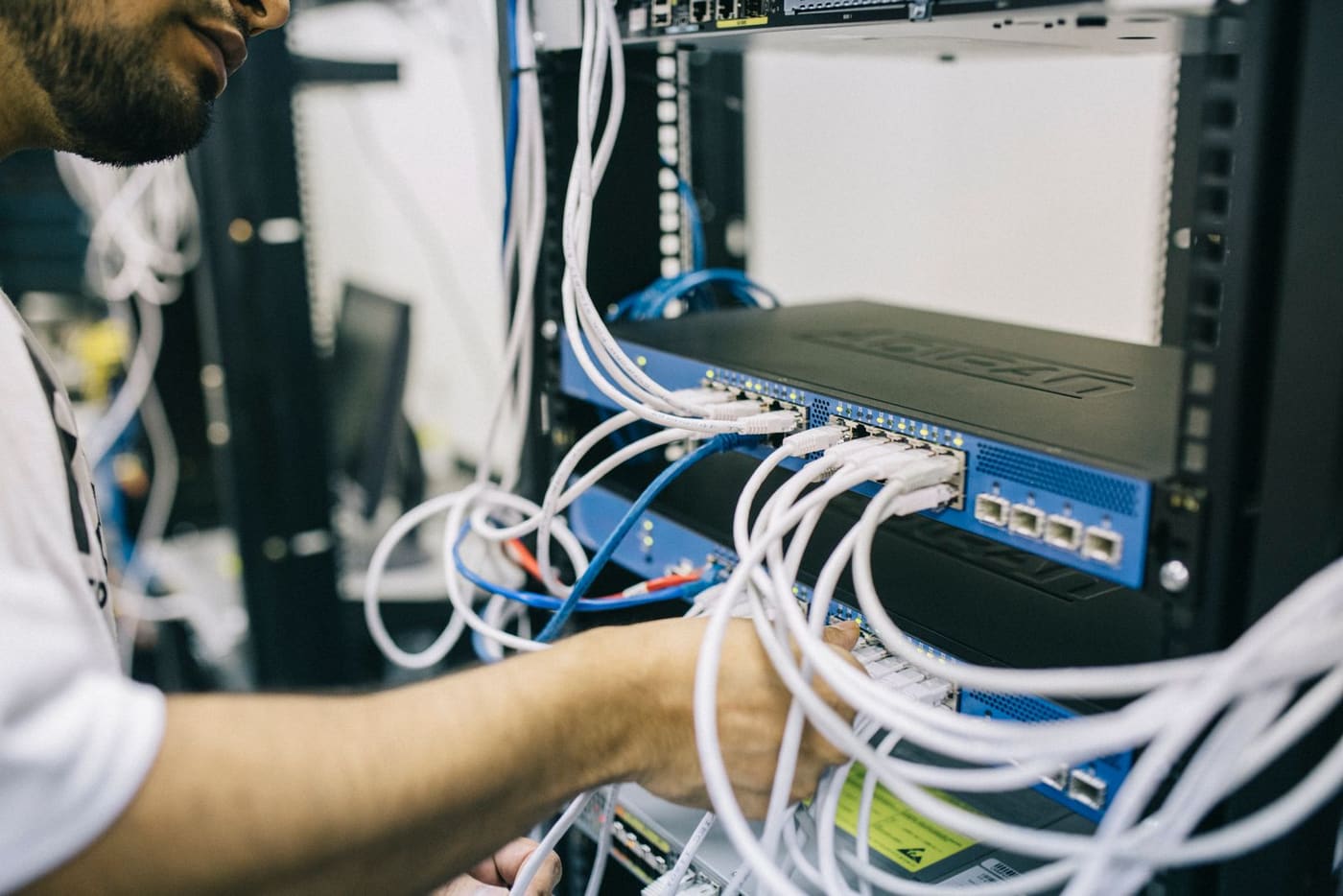
If your team is abroad, that review needs hands in the Mexico rack. A local technician can isolate the NAS or pull a cable while your admins watch remotely.
What about your Mexico operation?
If you do not know which firewall the site runs, who set up the NAS or how many servers accept SSH from the internet, start there.
At ProcessBi we check and patch remotely or on site anywhere in Mexico, under a support plan with a written SLA and invoicing in MXN or USD.
Ask for a review of your devices — we reply the same business day.
Your path
Running IT in Mexico from abroad
70 of 89- Patch Linux today ✓ Read You are here 4 min
- Zyxel/D-Link switches ✓ Read You are here 3 min
- Patch today ✓ Read You are here 3 min
- Vendor access ✓ Read You are here 3 min
- 23H2 Enterprise ends ✓ Read You are here 3 min
- November patches ✓ Read You are here 3 min
- Bank fraud ✓ Read You are here 3 min
- Field services →